 EXPORT
 Export Shopify orders, your way
Custom columns, scheduled automations, and powerful filters — the order export tool built for merchants who need more than Shopify's default.
Free to install · Paid plans from $14/month
 ★★★★★5.0 · 59 reviews on the Shopify App Store
Features
Everything you need for order exports
Built for Shopify merchants who rely on order data every day.
Custom Reports
Choose exactly which columns appear, name them, and reorder them. Save report templates for different use cases and share them with your team.
Automated Exports
Schedule recurring exports that run automatically and deliver reports to your inbox — daily, weekly, or on any custom schedule — no manual effort required.
Advanced Filters
Filter by tags, fulfillment status, payment method, date ranges, and dozens of other order attributes to get exactly the data you need.
Inside the app
See it in action
Everything runs directly inside Shopify Admin — no external tools, no separate login.
📊 Report Designer — pick exactly which columns appear
🔍 Advanced Filters — filter by status, vendor, tags, and more
⏰ Automations — schedule recurring exports to email or FTP
Get started
Up and running in three steps
Install from the Shopify App Store
Free to install. No external accounts, no separate login — everything lives inside your Shopify Admin.
Design your report
Pick exactly which columns appear, name them, reorder them, and apply filters. Save as a template for reuse.
Export now or automate
Download immediately in CSV, Excel, XML, or HTML — or set a recurring schedule and have reports delivered automatically.
Use cases
Built for merchants who need more
If Shopify's default export has ever come up short, this is what you've been looking for.
Dropshippers & wholesale merchants
Route vendor-specific order rows to the right supplier automatically — filter by vendor, tag, or product type.
Operations & fulfilment teams
Replace manual Monday-morning exports with a scheduled report that arrives in your inbox before you sit down.
Restaurants & food businesses
Display live incoming orders on any screen — tablet, monitor, or TV — with auto-refresh and colour-coded status rows.
Finance & accounting teams
Build a report with exactly the columns your accountant needs — payment method, tax lines, discounts — in the format they want.
From the blog
Guides & tips
Learn how to get the most out of Export OrderPro.

Best Shopify Order Export Apps: An Honest Comparison
We compared 7 Shopify order export apps on scheduling, formats, and scope, including which ones aren't actually order-focused. See the breakdown.

How to Send Shopify Order Reports by Email Automatically
Shopify only emails an order export once, to you and the store owner, when you export more than 51 orders. Here's how to automate it properly.
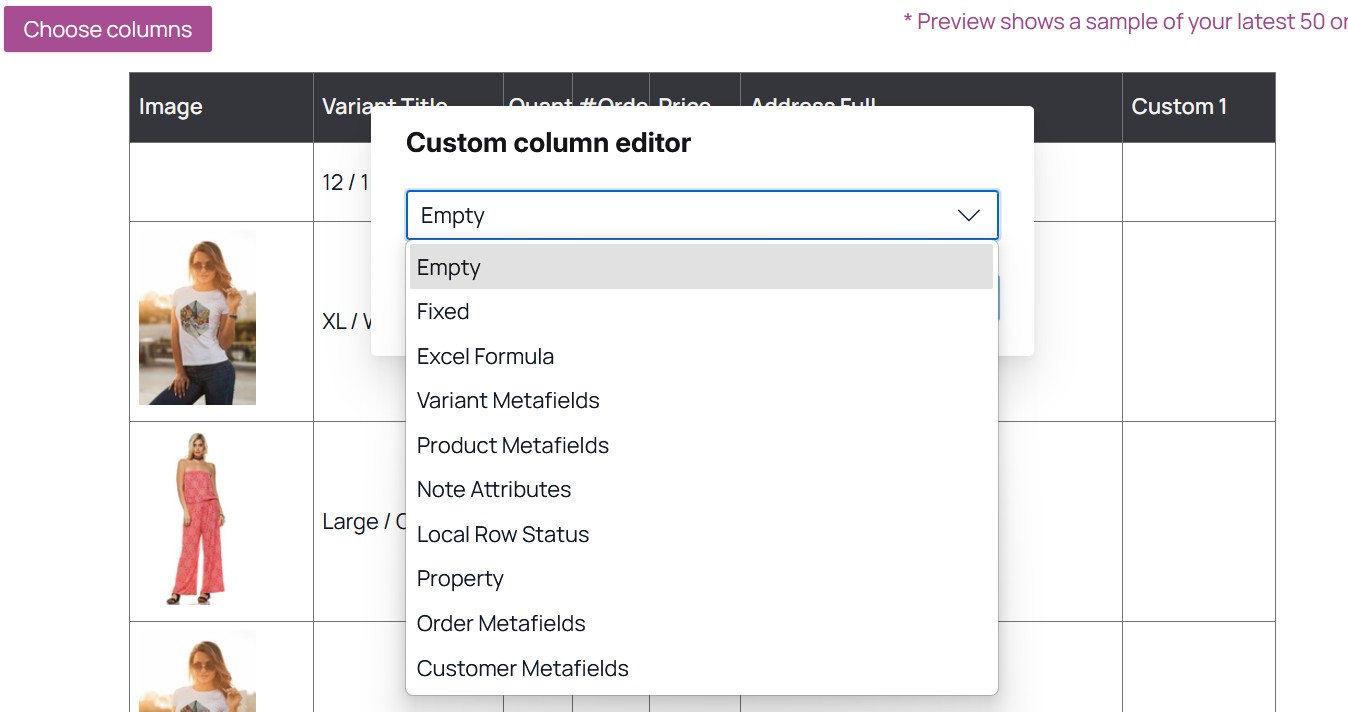
How Custom Columns Work in Export OrderPro
Shopify can't export order metafields or line item properties natively. Export OrderPro's Custom Columns add 10 data sources, from metafields to live Excel formulas.